If you have a registered Oyster card, you can easily transfer your pay-as-you-go credit, Travelcards, and Bus & Tram Passes to a new card. This guide will show you the simplest way to move your balance safely and quickly.
Follow these easy steps to Transfer Your Oyster Card Balance, check your card details, and continue using London buses, trams, and the Underground without any interruptions. This 2026 guide makes the process smooth for everyone.
Who Can Transfer an Oyster Card Balance?
Anyone with a registered Oyster card can transfer their balance to a new card. This includes Adult, Young Person, Student, and Visitor Oyster cards. To be eligible, the card must be registered online with your personal details, making it easy to move your pay-as-you-go credit, Travelcards, or Bus & Tram Passes.
Eligibility for Balance Transfer:
- Adult Oyster Card: Any registered adult cardholder can transfer balances.
- Young Person Oyster Card: For ages 11–15 and 16+, must be registered.
- Student Oyster Card: Requires proof of study and registration.
- Visitor Oyster Card: Registered cards can transfer pay-as-you-go credit and passes.
This ensures your London travel money and passes remain safe, so you can continue using London Underground, buses, and trams without interruption.
How to Transfer Your Oyster Card Balance Online – Step by Step Guide 2026
Transferring your Oyster card balance online is simple and convenient if your card is registered with a TfL online account. This allows you to safely move your pay-as-you-go credit, Travelcards, and Bus & Tram Passes to a new Oyster card without losing your travel funds. Follow these easy steps to complete the process online.
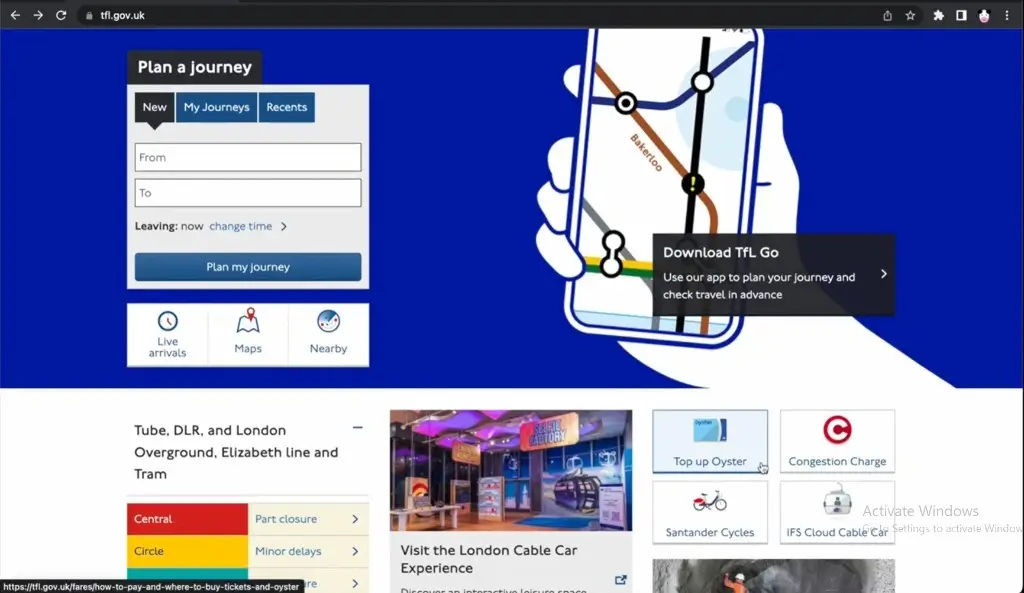
Step 1: Visit the Official TfL Website
Go to https://tfl.gov.uk and sign in to your registered account. If you don’t have an account, you’ll need to create one and activate it via the confirmation email before you can transfer balances.
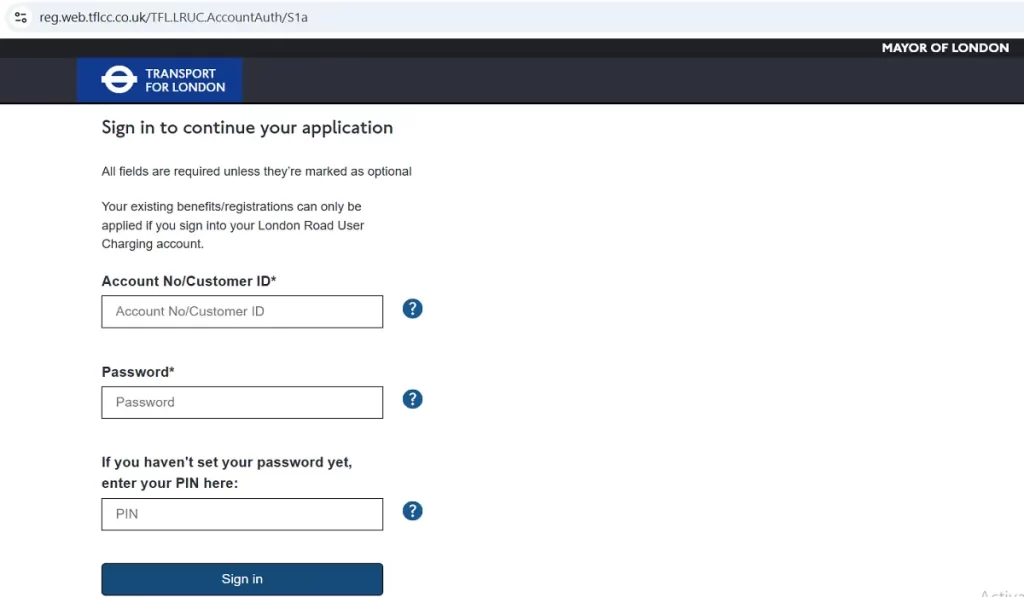
Step 2: Log In to Your Account
Use the email and password associated with your TfL account. Make sure your account details are correct and up to date, as you’ll need them to manage your Oyster cards.
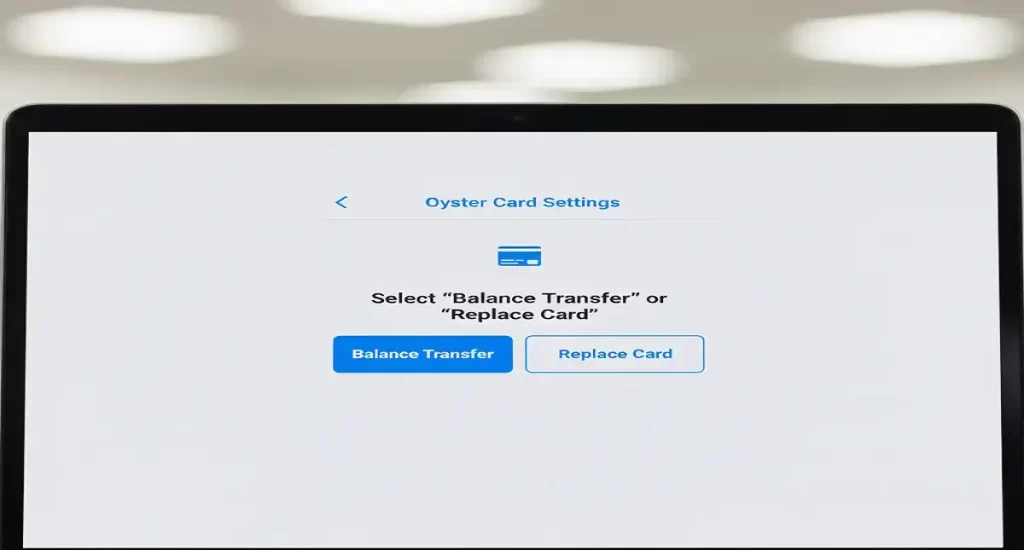
Step 3: Select “Balance Transfer” or “Replace Card”
Once logged in, go to the section for Oyster cards. Choose either Balance Transfer to move funds to an existing card, or Replace Card if you are transferring to a newly issued Oyster card.
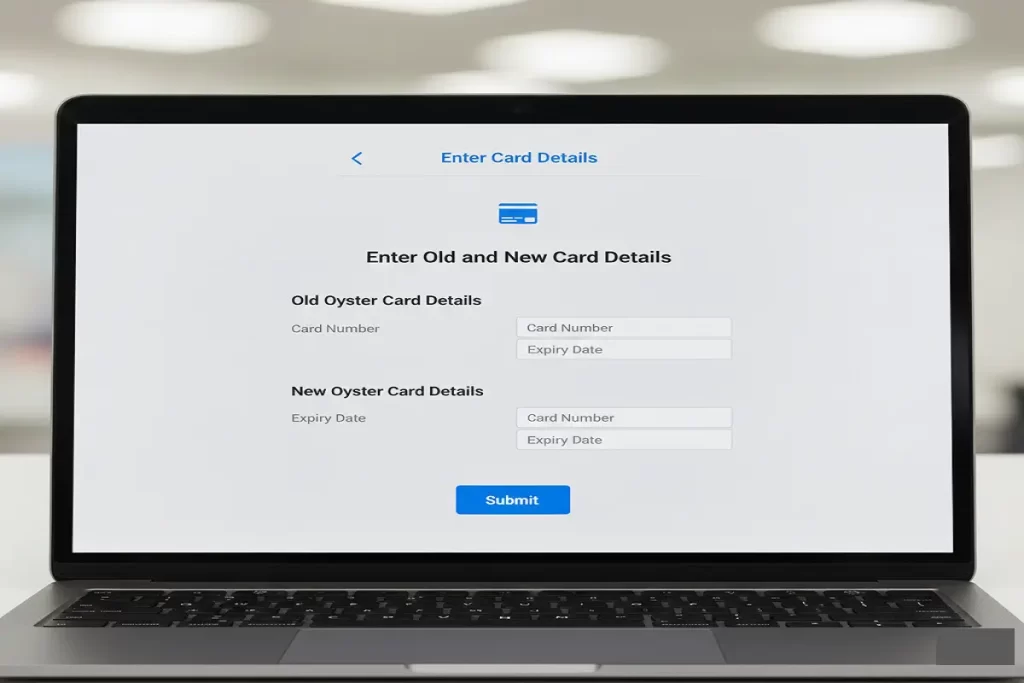
Step 4: Enter Old and New Card Details
Provide the Oyster card numbers for both the old and new cards. If the new card is unregistered, you may be asked for the details of your last journey or to set a security question and answer.
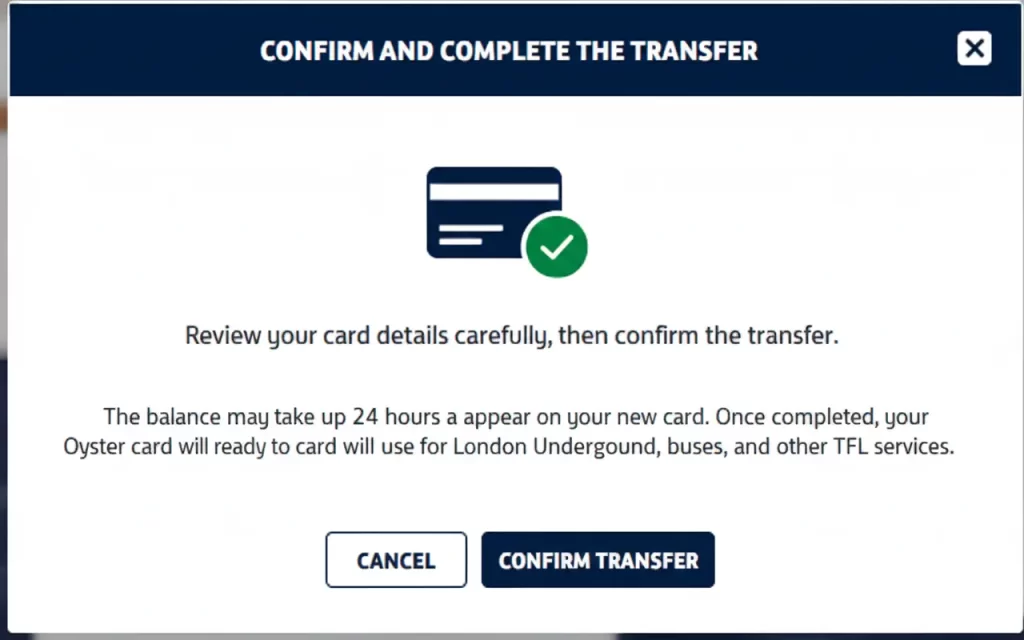
Step 5: Confirm and Complete the Transfer
Review your card details carefully, then confirm the transfer. The balance may take up to 24 hours to appear on your new card. Once completed, your new Oyster card will be ready to use for London Underground, buses, trams, and other TfL services.
Tips and Warnings:
- Ensure both Oyster cards are registered to avoid delays.
- Keep your account login details secure to prevent unauthorized use.
- If the transfer doesn’t show after 24 hours, contact TfL Customer Service at 0343 222 1234 (08:00–20:00 daily).
- Make sure the new card has touched in on a journey if it’s unregistered before transferring balance.
By following these steps, you can easily manage your Oyster card funds online and continue traveling around London without interruption.
You Can Check Also: Oyster Card Check Balance Complete Guide (2026)
Ways to Transfer Oyster Card Balance – 2026
Transferring your Oyster card balance is simple, safe, and perfect for anyone using London buses, trams, and the Tube. You can move your pay-as-you-go credit, Travelcards, or Bus & Tram Passes to a new or replacement Oyster card. There are several easy ways to do this, whether online, at a station, or with TfL support.
1. Transfer Online via TfL Account
Sign in to your TfL online account at tfl.gov.uk. Select “Balance Transfer” or “Replace Card”, and enter the old and new Oyster card numbers. If the new card is unregistered, you may need to provide your last journey details or set a security question and answer. Balance transfers online may take up to 24 hours.
2. Transfer at a Ticket Machine
At Tube, DLR, London Overground, or Elizabeth line stations, you can transfer your balance using a ticket machine. Insert your old Oyster card, choose “Transfer Balance” or “Refund / Replace Card”, and follow the instructions. This method is fast and works immediately.
3. Transfer at a TfL Customer Service Centre
Visit a TfL Visitor Centre or staffed station for help. Staff can assist with transferring your balance, especially if your Oyster card is lost, stolen, damaged, or unregistered.
4. Transfer by Phone (Special Cases)
If your online or station transfer isn’t working, call TfL Customer Service at 0343 222 1234 (08:00–20:00 daily). They can help with issues like stopped cards or delayed transfers.
Best Times to Transfer Your Oyster Card Balance – 2026
There are several important times when you might need to transfer your Oyster card balance. Knowing when to transfer ensures you don’t lose your pay-as-you-go credit, Travelcards, or Bus & Tram Passes, and helps you continue using London buses, trams, and the Tube without interruption.
1. Lost or Stolen Oyster Card
If your Oyster card is lost or stolen, you can transfer the remaining balance to a new card. Reporting the card quickly to TfL online or customer service ensures that you are not charged for unauthorized journeys.
2. Upgrading or Replacing a Card
When you want to upgrade your Oyster card or replace a damaged card, transferring your balance keeps your travel money safe. This is ideal if you are switching to a new Adult, Student, Young Person, or Visitor Oyster card.
3. Expired Card or Switching to Contactless Payment
If your Oyster card has expired or you want to switch to a contactless payment card, transferring the balance lets you continue traveling without losing funds. Ensure your new card is registered to make the transfer smooth and secure.
Oyster Card Balance Transfer: Common Mistakes and How to Avoid Them
Transfer Your Oyster Card Balance is usually straightforward, but many people make simple mistakes that can lead to lost funds or extra charges. Here’s a guide to help you avoid common errors and ensure your balance transfer and journeys go smoothly.
1. Forgetting to Tap Out
Mistake: Not tapping your Oyster card on the yellow reader when exiting a station, bus, or tram, or tapping in/out at the same station.
Result: You may be charged the maximum fare, which can be up to £9.40.
Fix: Always tap in and out for every journey. If you forget, you can claim a refund through your TfL online account after waiting 48 hours for the system to update.
2. Claiming Refunds Too Early
Mistake: Requesting a refund immediately after a failed or incomplete journey.
Result: The system may auto-correct the charge later, or your refund request could be unnecessary.
Fix: Wait at least 48 hours before claiming a refund to allow TfL to automatically adjust fares.
3. Transferring a Lost or Faulty Card Incorrectly
Mistake: Trying to transfer your balance before getting a replacement card, or not waiting after activating the new card.
Result: Your balance may not transfer correctly.
Fix: First, get a new Oyster card. Make at least one journey on the new card, wait 24 hours, then start the balance transfer online.
4. Not Checking Journey History
Mistake: Assuming all journey charges are correct.
Result: Mistakes like overcharges or missed refunds can go unnoticed.
Fix: Regularly review your journey history online to spot incorrect fares or missed refunds.
5. Misunderstanding Zones and Travelcards
Mistake: Traveling outside the zones covered by your Travelcard or being charged for Zone 1 mistakenly.
Result: Unexpected high fares or incorrect charges.
Fix: Know your Travelcard zones and daily/weekly caps. Use your online journey history to identify errors and contact TfL if necessary.
FAQs About Oyster Card Balance Transfer
Can you transfer an Oyster card balance?
You can transfer your pay as you go balance or Travelcard to another Oyster card that belongs to you. To do this you will need to have your details of the new Oyster card and you will need to touch in as part of a journey for the transfer to your new card to be completed.
Does Oyster Card Balance Expire?
The money on your Oyster card does not expire. Your pay-as-you-go credit will remain on the card until you spend it. If your balance runs low, you can easily top up your Oyster card and continue using it for travel on London buses, trams, and the Tube.
Can a Couple Share an Oyster Card?
Many travelers wonder if two people can share an Oyster card when using public transport in London. The answer is no. Each adult needs their own Oyster card to travel.
Which Card to Buy?
- Visitor Oyster Card: Ideal for tourists. Each adult or child must have their own card; it cannot be shared between multiple travelers.
- Adult Oyster Card: Best for regular London commuters. One card per person is required.
- Young Person or Student Oyster Card: Designed for eligible age groups or students; also cannot be shared.
Is It Cheaper to Use an Oyster Card or Contactless Card?
Oyster cards and contactless payment cards use the same Pay As You Go system, so fares are generally the same. Tourists may find an Oyster card convenient, especially with the London Pass, while both cards work with the TfL app to check balances and journeys.
Conclusion – Oyster Card Balance Transfer 2026
Transfer Your Oyster Card Balance is simple, safe, and ensures your pay-as-you-go credit, Travelcards, or Bus & Tram Passes stay secure. You can use TfL online, ticket machines, or customer service to move funds quickly without losing your travel money.
Always register your Oyster card, check your journey history, and follow security tips to avoid mistakes. Doing this helps you enjoy smooth and hassle-free travel across London buses, trams, and the Tube, whether for commuting or sightseeing.
